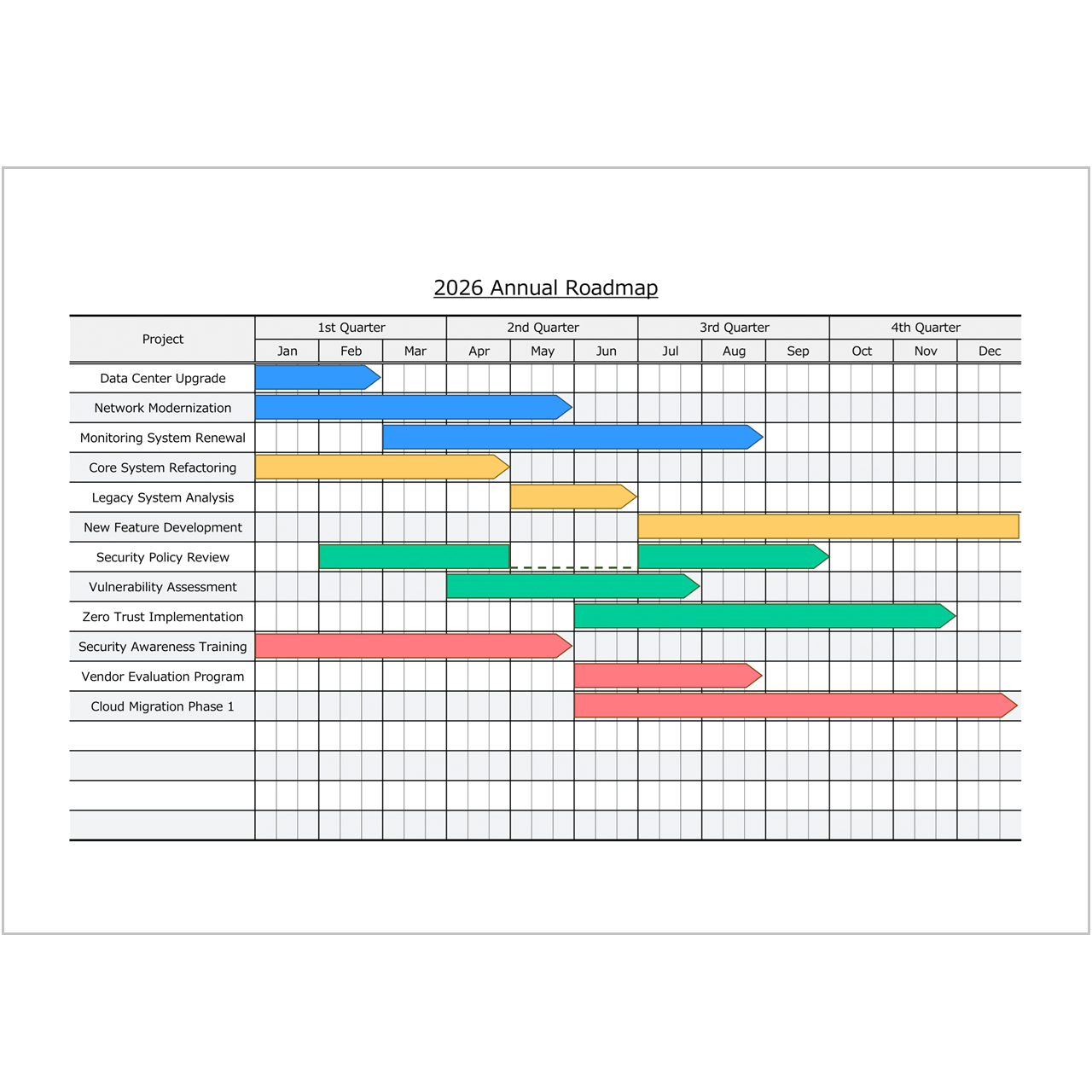
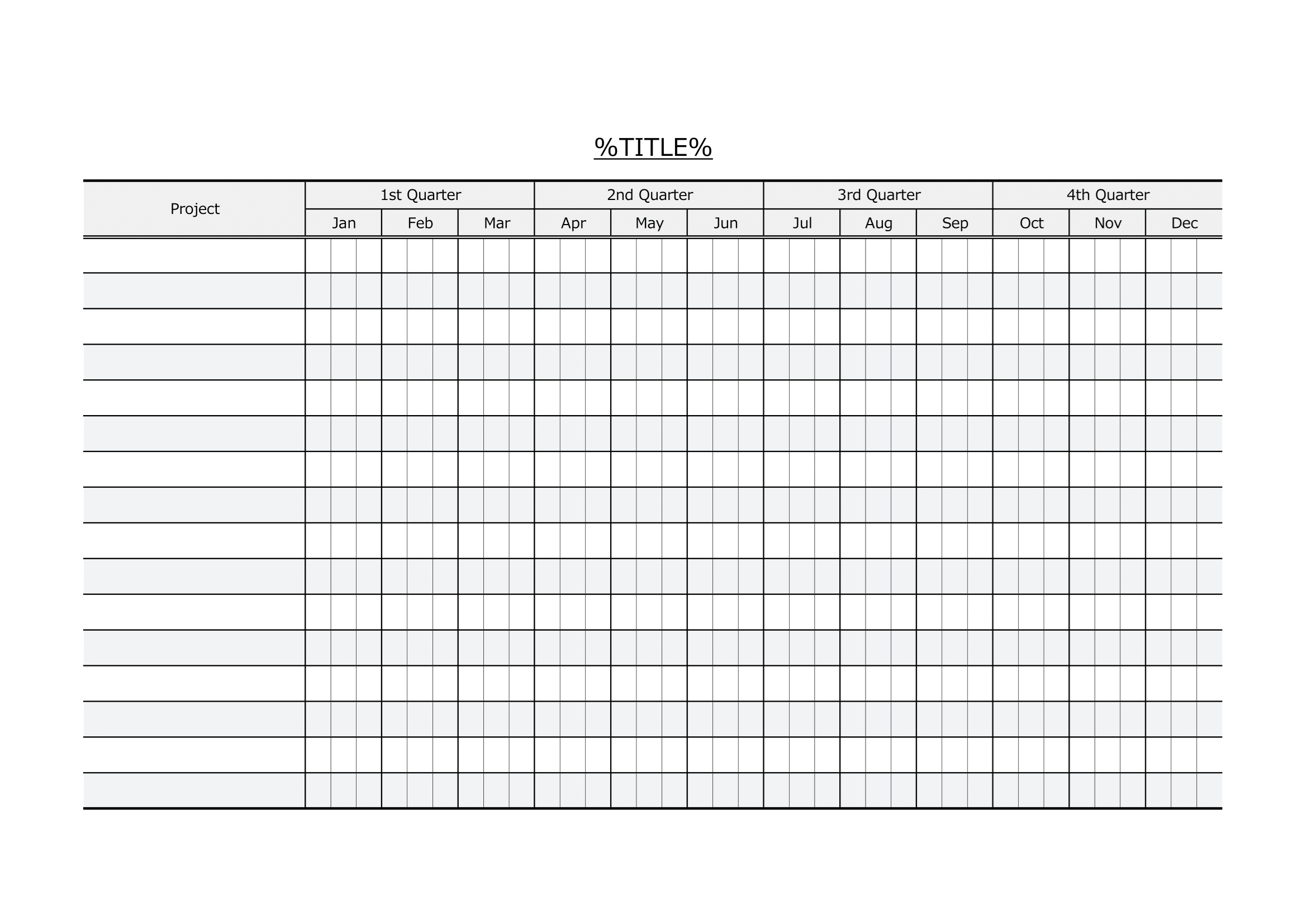
Planning mid- to long-term projects requires a clear overview rather than detailed daily task management. This quarterly Gantt chart Excel template is designed to help you visualize project timelines, overlaps, and priorities across an entire year. With quarterly frames and monthly blocks, it works as both a Gantt chart and an annual project roadmap.
What is a Gantt Chart?

A Gantt chart is a visual project management tool that displays schedules as horizontal bars along a timeline. It helps teams understand start and end periods, project overlaps, and overall timing at a glance.
While traditional Gantt charts are often used for daily task tracking, this template focuses on higher-level planning using quarterly and monthly views.
Why Use a Roadmap-Style Bar Chart?
Representing plans as horizontal bars makes it easier to grasp the flow of projects over time. For mid- and long-term planning, a roadmap-style Gantt chart provides clarity without unnecessary detail.
By removing task-level complexity, this format allows managers and stakeholders to focus on direction, timing, and relationships between projects.
How to Use Monthly and Quarterly Gantt Charts
This template combines quarterly structure with monthly resolution, making it flexible for many planning scenarios. It is especially useful when you want to communicate plans clearly to multiple stakeholders.
- Annual project and portfolio roadmaps
- IT department or business unit planning
- Visualization of project timing and overlaps
- Management and executive-level reporting
- Planning initiatives across quarters while keeping monthly detail
Key Features
Create a clean and professional Gantt chart
You can manually draw clear and well-balanced bars using cell colors or arrow objects, resulting in a professional-looking Gantt chart suitable for reports and presentations.
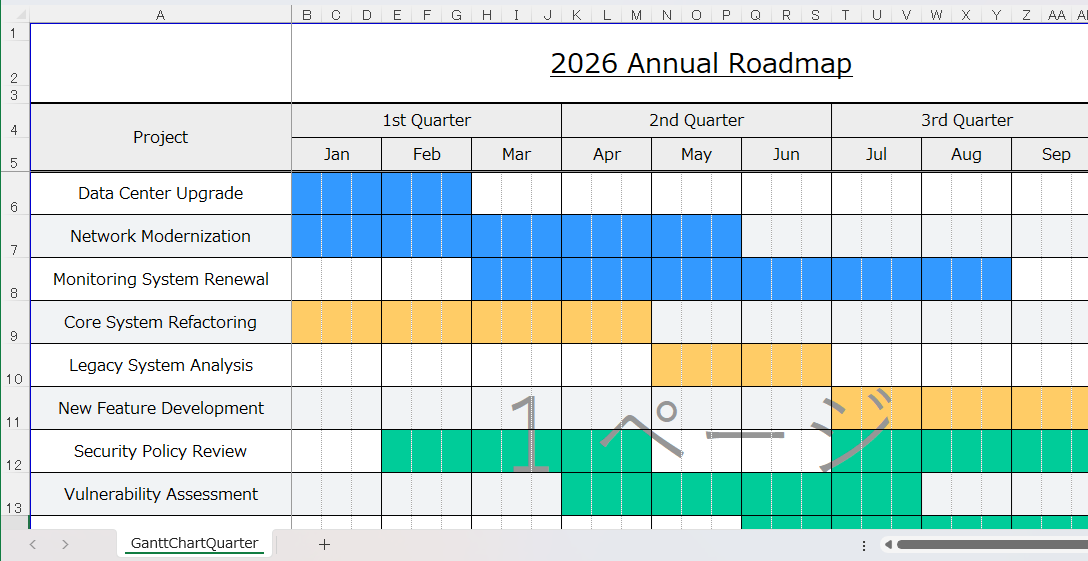
Visualize an annual roadmap on a single page
The template displays one full year horizontally, with quarterly frames and monthly blocks, allowing you to present both quarterly and monthly perspectives on a single page.
English Excel Gantt Chart Templates
Looking for more Excel Gantt chart templates?
This page lists all English Gantt chart templates currently available on Excel-NEXT.
Each template is free to download and designed for practical project planning, from detailed schedules to high-level roadmaps.
Choose the format that best matches your planning needs.
-
Daily Gantt Chart (VBA Auto-Drawing)
A macro-enabled daily Gantt chart that automatically draws bars from schedule data for fast updates. -
Daily Gantt Chart (Manual, Macro-Free)
A simple, macro-free daily Gantt chart you can fill in manually—safe and easy to use in most work environments. -
Hourly Gantt Chart (Daily Time Schedule & Event Timetable)
An hourly Gantt-style schedule for daily planning, staff shifts, and event timetables with 30-minute time blocks. -
Weekly Gantt Chart (Manual, Macro-Free)
A weekly Gantt chart for tracking projects by week, ideal for short- to mid-term planning and reporting. -
Monthly Gantt Chart (Manual, Macro-Free)
A monthly roadmap-style Gantt chart with early/mid/late month blocks, suitable for long-term planning and portfolio views. -
Quarterly Gantt Chart (Annual Project Roadmap)
A quarterly Gantt chart with monthly blocks, designed for annual planning and high-level project roadmaps on a single page.
Tip: If you are new to Excel Gantt charts, start with a sample template first.
Sample data helps you quickly understand how to structure schedules and visualize timelines effectively.
Download
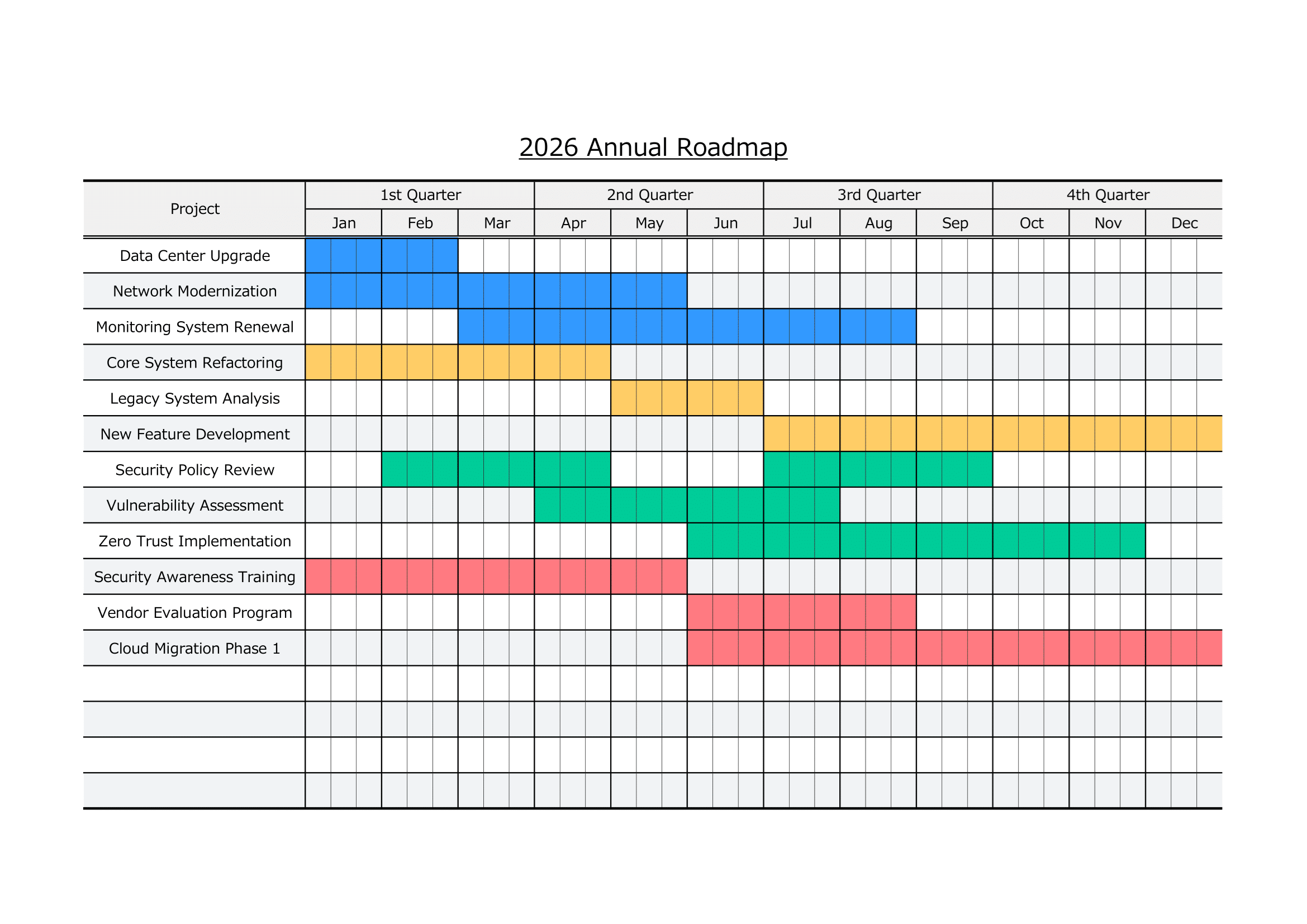
Sample Template | Color-Based Quarterly Gantt Chart
A simple and colorful sample using cell background colors to visualize project duration. This version is easy to understand and ideal for printing.
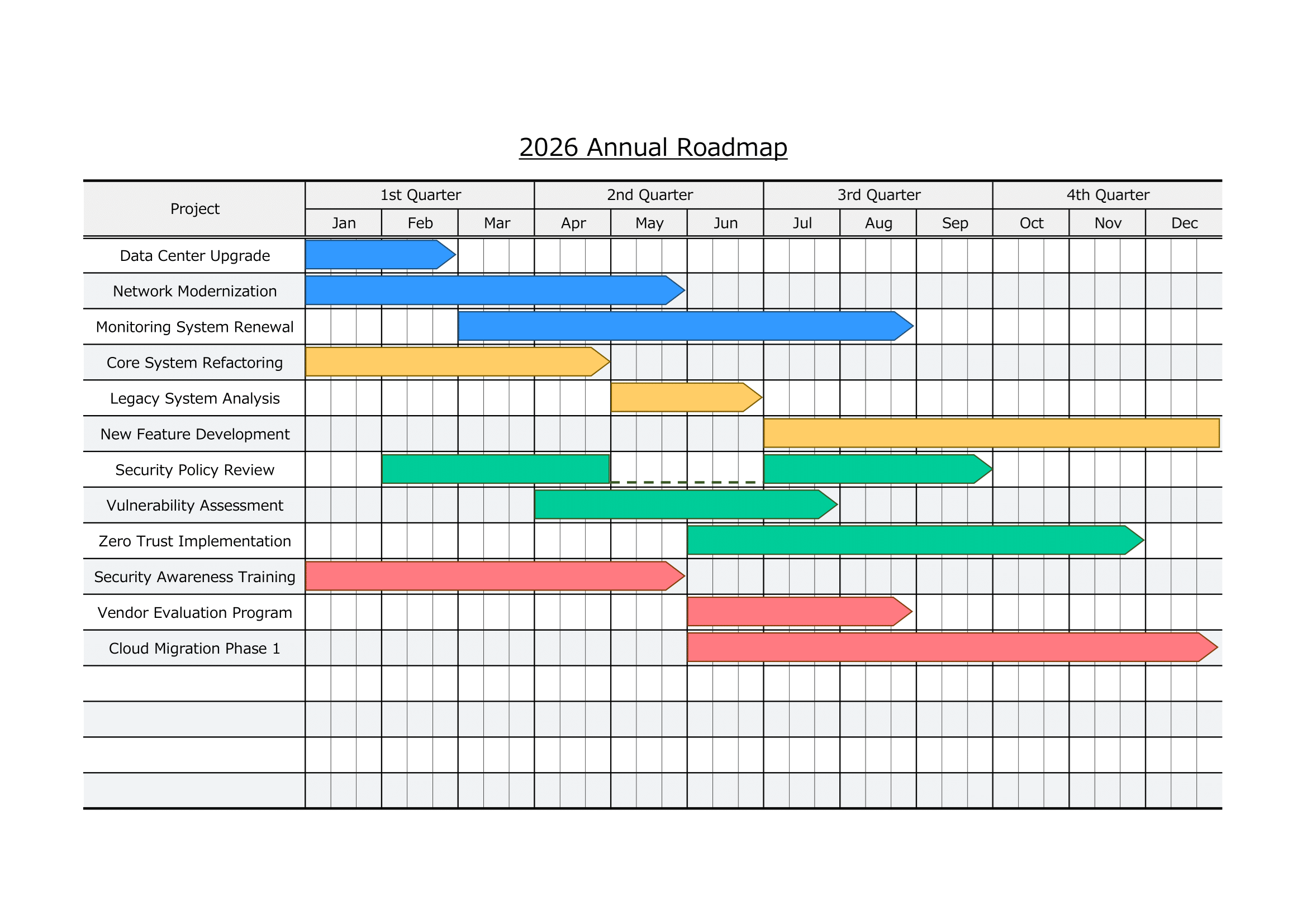
Sample Template | Arrow-Based Quarterly Gantt Chart
A visually expressive sample using arrow objects to show timelines and flow across quarters and months. This version works well for roadmap-style presentations.
Blank Template
A clean, empty template without sample data. Use this version to create your own quarterly or annual project roadmap from scratch.
⚠ Disclaimer
This template is provided as-is, without any warranties or guarantees of accuracy, reliability, or fitness for a particular purpose.
The creator assumes no responsibility for any losses or damages resulting from its use.
Redistribution, resale, or modification of this file for commercial purposes is strictly prohibited.
How to Use
- Download the Excel template file
- Enter project names in the Project column
- Identify the quarters and months for each project
- Manually draw bars using cell colors or arrow objects
- Adjust layout and formatting as needed
- Print or share the roadmap with your team or stakeholders
This macro-free Excel Gantt chart template is safe to use in most work environments and is ideal for long-term planning and high-level project visualization.