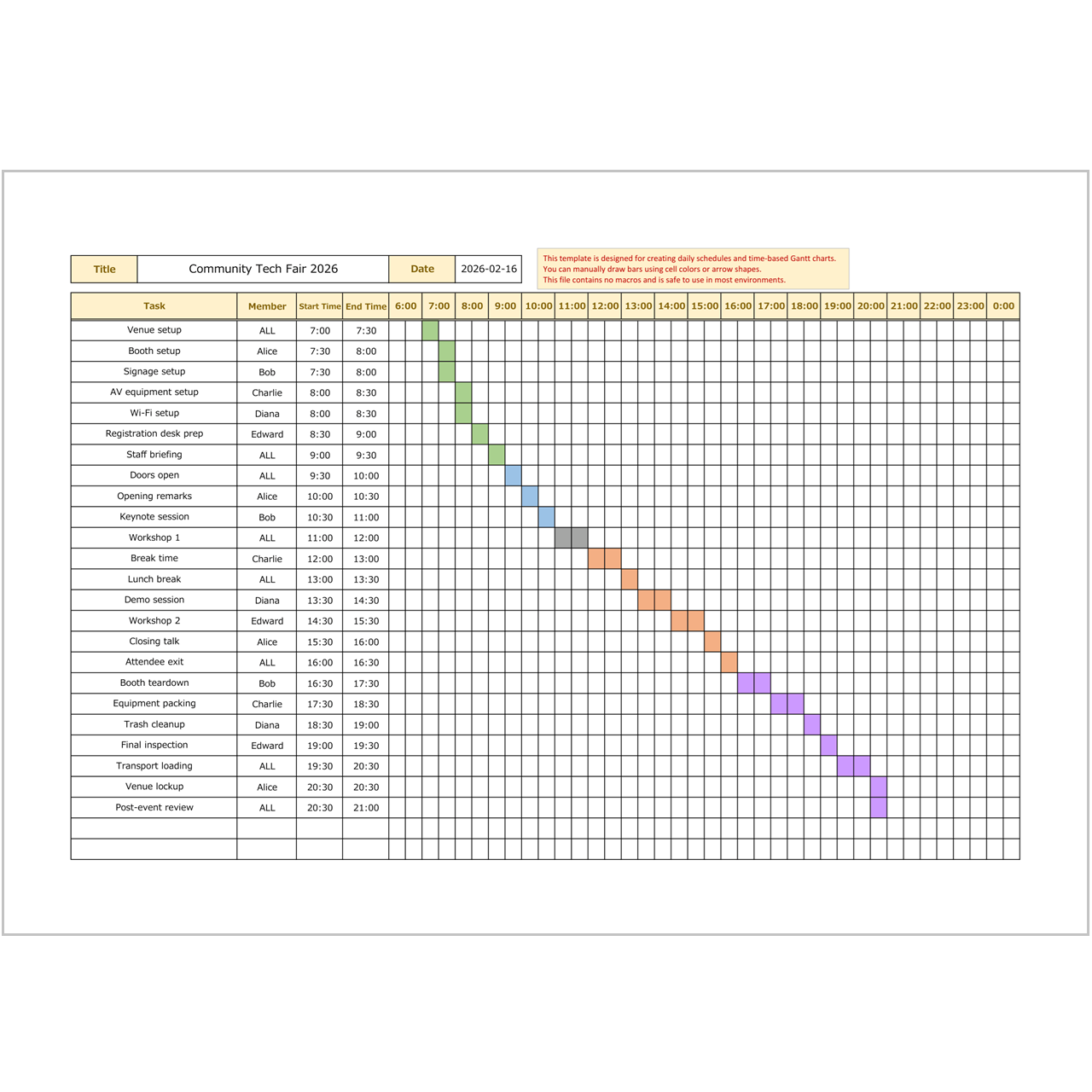
This free Excel shift schedule template helps you organize employee shifts, daily assignments, and workforce planning in a simple time-based format. It is suitable for stores, restaurants, offices, and general team scheduling.
What Is This Template?

This template is designed for creating shift schedules in Excel. You can assign work periods, review staffing coverage, and coordinate daily operations more clearly.
Key Features
Useful for Shift Planning
The template helps you arrange morning, afternoon, and evening shifts in a practical daily schedule.
Easy to Manage Staff Allocation
You can visualize who is working, when they are assigned, and how shifts are distributed.
Simple and Editable
The format is easy to customize in Excel and works well for both screen use and printing.
Download
Blank Template
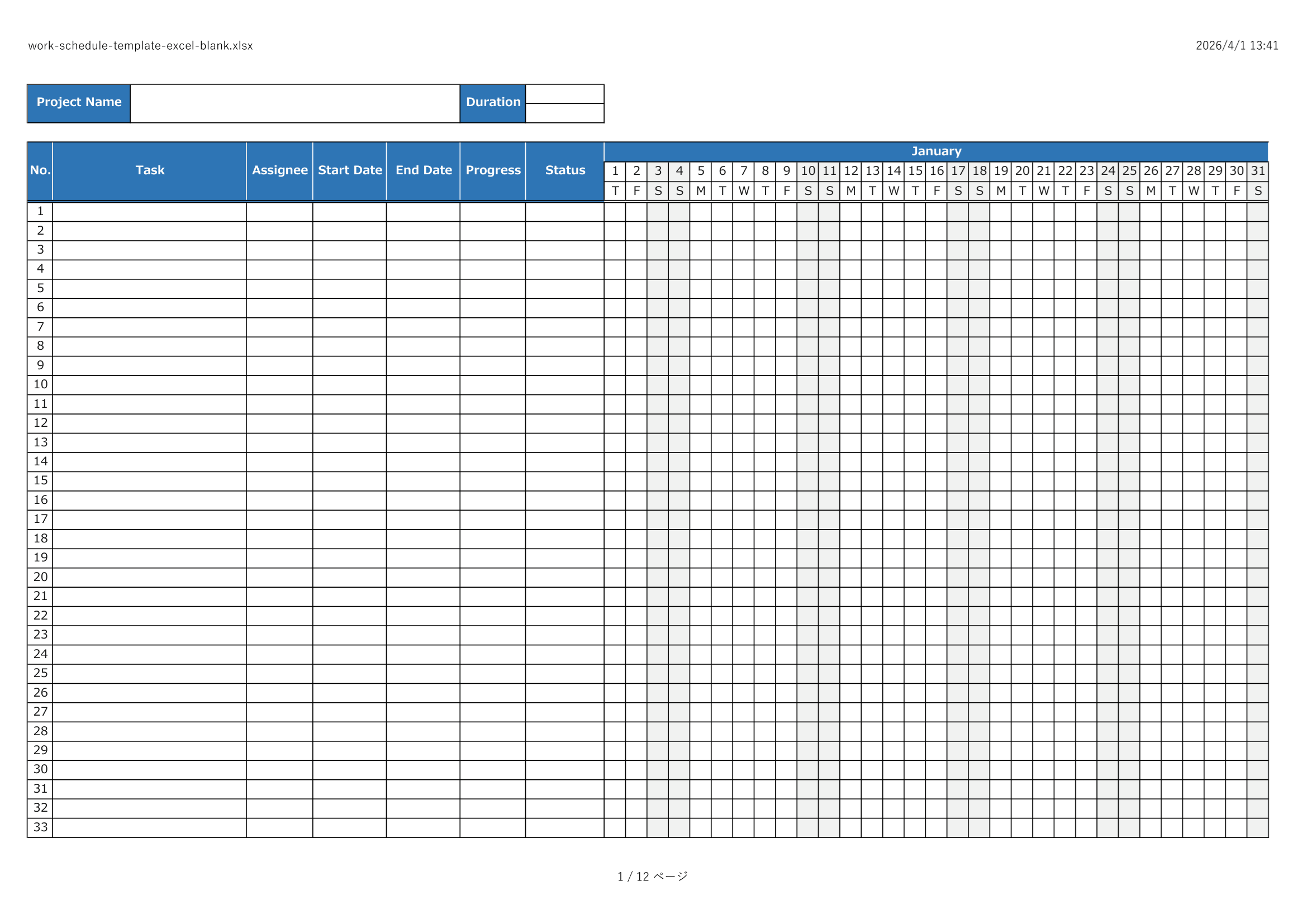
Download the blank version and create your own shift schedule.
Sample Included Template
Download the sample version with example staff shifts and assignments.

⚠ Disclaimer
This template is provided as-is, without any warranties or guarantees of accuracy, reliability, or fitness for a particular purpose.
The creator assumes no responsibility for any losses or damages resulting from its use.
Redistribution, resale, or modification of this file for commercial purposes is strictly prohibited.
Related Templates
If you need other scheduling formats for planning work and people, these templates may also help:
- Employee Schedule Template Excel – for general employee planning and staff coordination.
- Hourly Gantt Chart – for detailed hourly scheduling and shift-based planning.
- Work Schedule Template Excel – for broader task planning and daily work scheduling.
- Event Schedule Template Excel – for event timetables and time-based coordination.