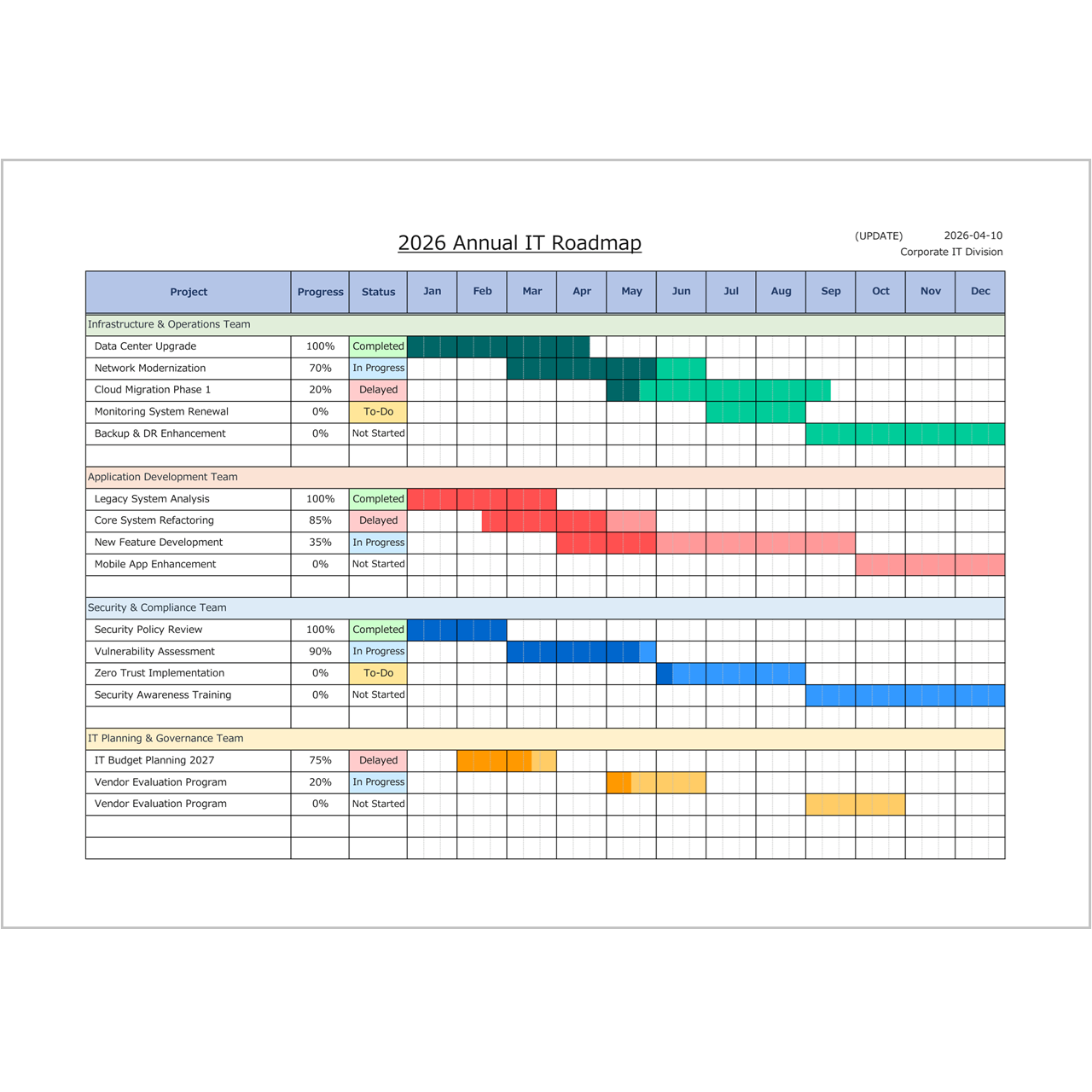
A project plan template helps you organize tasks, timelines, milestones, and responsibilities in one clear schedule. If you need a simple Excel file to plan and track project progress, this free template is an easy starting point.
This page introduces a practical Project Plan Template Excel format that you can use for internal planning, project scheduling, roadmap creation, and team coordination. It is designed for people who want a clean, editable project planning sheet without creating one from scratch.
What Is a Project Plan Template?
A project plan template is a structured document used to define the timeline and key activities of a project. It is often used to organize work phases, deadlines, task groups, and progress over time.
Compared with a simple to-do list, a project plan gives you a better overview of when work happens, how long it takes, and how different tasks relate to each other. That is why it is widely used for business projects, implementation work, planning meetings, and internal reporting.
When to Use This Template

This Excel template is useful when you need to:
- create a project schedule quickly
- plan milestones and deadlines
- visualize project phases on one page
- share a clear project roadmap with your team
- prepare a printable project planning sheet
It works especially well for office projects, IT planning, operational improvement projects, and internal coordination work.
Why Use Excel for Project Planning?
Excel is still one of the easiest tools for project planning because it is simple, flexible, and widely available. You can edit the template freely, adjust task names, change date ranges, and print it for meetings or progress reviews.
If you do not need complex project management software, an Excel-based project plan is often more than enough for small and mid-sized planning work.
Download the Project Plan Template
You can download and use the template below.
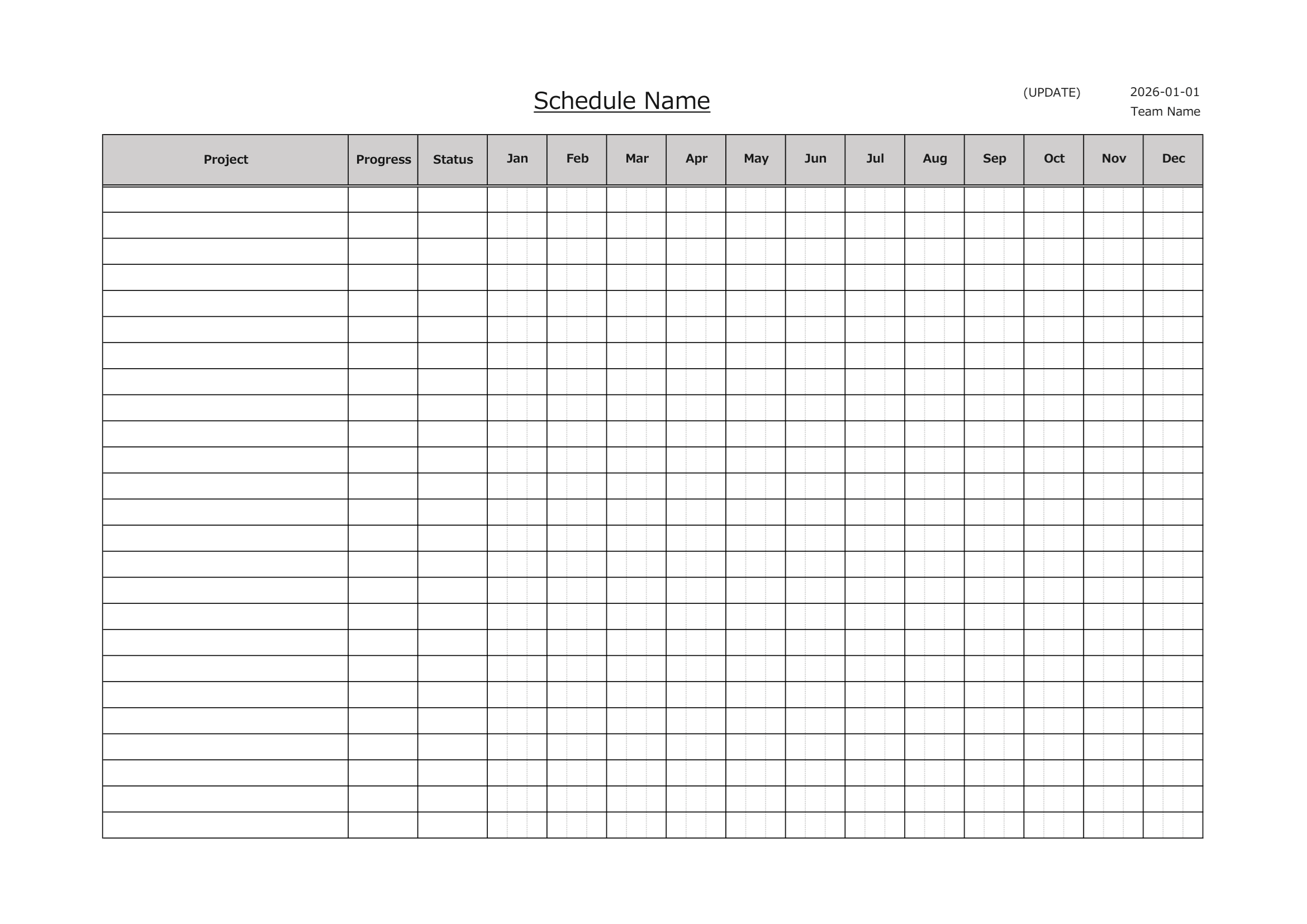
Blank Template
Download the blank version and create your own project plan from scratch.
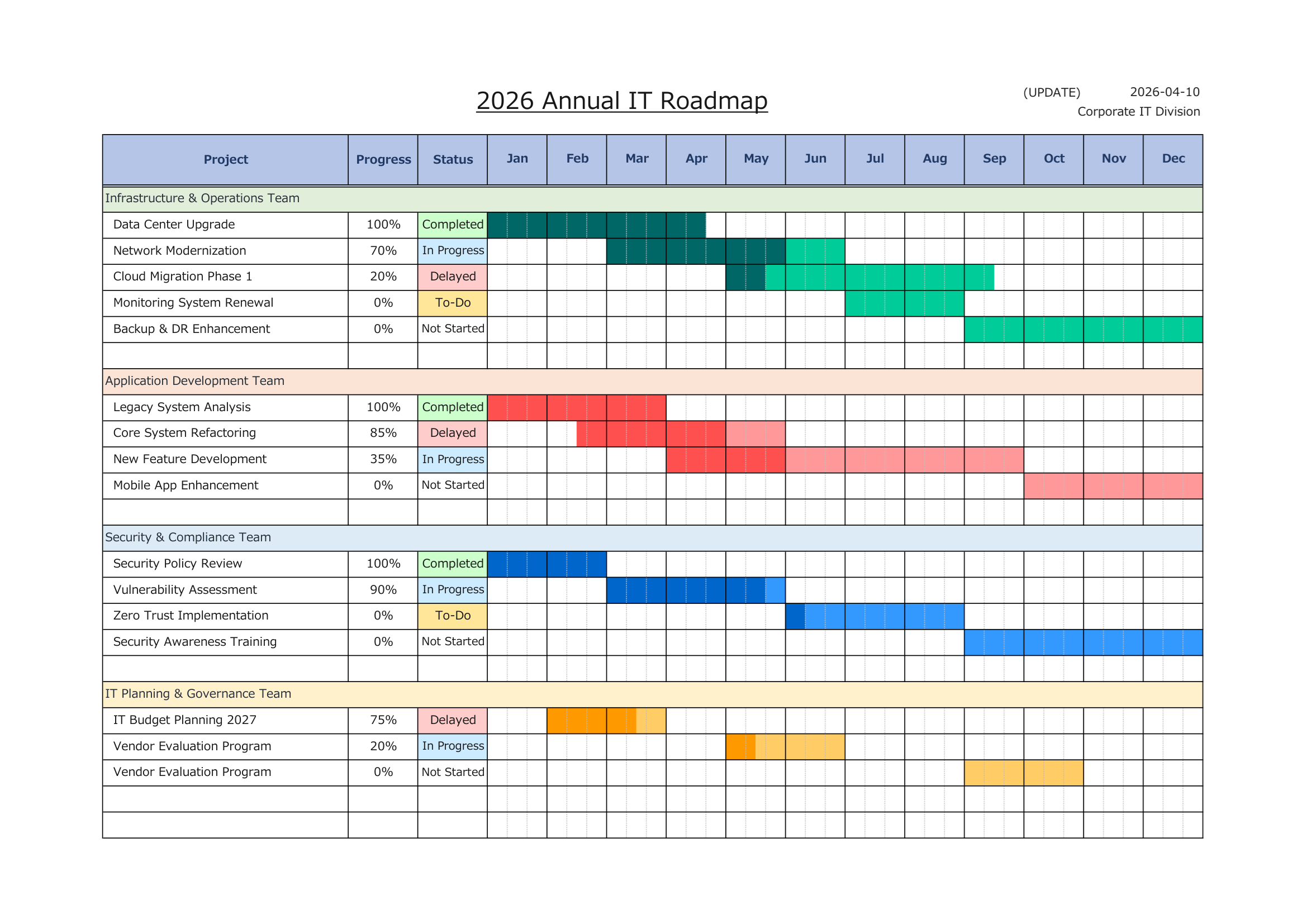
Sample Included Template
Download the sample version to see how a project plan can be arranged in practice.
⚠ Disclaimer
This template is provided as-is, without any warranties or guarantees of accuracy, reliability, or fitness for a particular purpose.
The creator assumes no responsibility for any losses or damages resulting from its use.
Redistribution, resale, or modification of this file for commercial purposes is strictly prohibited.
Recommended Template
- Monthly Gantt Chart (Manual, Macro-Free)
This template is suitable for project planning because it lets you visualize tasks and phases across a monthly timeline. It works well for project roadmaps, planning sheets, and milestone-based schedules.
Download the Monthly Gantt Chart Template
Related Templates
If you need other planning and scheduling formats, these templates may also be helpful:
- Project Schedule Template Excel – for structured project schedules and roadmap-style planning.
- Construction Schedule Template Excel – for construction-related project scheduling and work planning.
- Employee Schedule Template Excel – for shift planning, staffing, and team schedules.
- Project Timeline Template Excel – for timeline-style project visualization.
- Work Schedule Template Excel – for day-to-day work scheduling and operational planning.
- Monthly Gantt Chart – for visual project planning in a monthly Gantt format.
- Weekly Gantt Chart – for shorter project schedules and weekly planning.
How to Use This Template
- Enter the project name and planning period
- List the major tasks or work phases
- Assign target timing or milestone periods
- Adjust the schedule visually across the timeline
- Use it for planning, reporting, or team sharing
Conclusion
If you need a clean and practical Project Plan Template Excel file, this format is a good place to start. It is simple, editable, printable, and suitable for many types of project planning work.
Instead of building a project planning sheet from zero, use a ready-made Excel template and start planning right away.